A modern smartphone is capable of recording gorgeous 4K video at 60 frames per second. While this allows us to capture life's moments in stunning clarity, it has a massive drawback: file size. Just one minute of 4K video can take up to 400MB of storage.
If your phone storage is full, the main culprit is almost certainly your video library. Here is your ultimate guide to finding and managing large video files with PhotoClean AI.
Why Video Clutter Accumulates Unnoticed
Unlike photos, which we browse frequently, videos tend to sit forgotten in our galleries. We often record long clips of concerts, presentations, or kids' games that we never watch again.
Accidental Recording: Leaving the camera running in your pocket can produce a useless 3GB video file.
Duplicate Downloads: Videos received from messaging apps like WhatsApp are saved to your gallery, creating duplicates.
Slow Syncing: Large video files often fail to upload to cloud storage, blocking your backup queue.
How PhotoClean AI Streamlines Video Cleaning
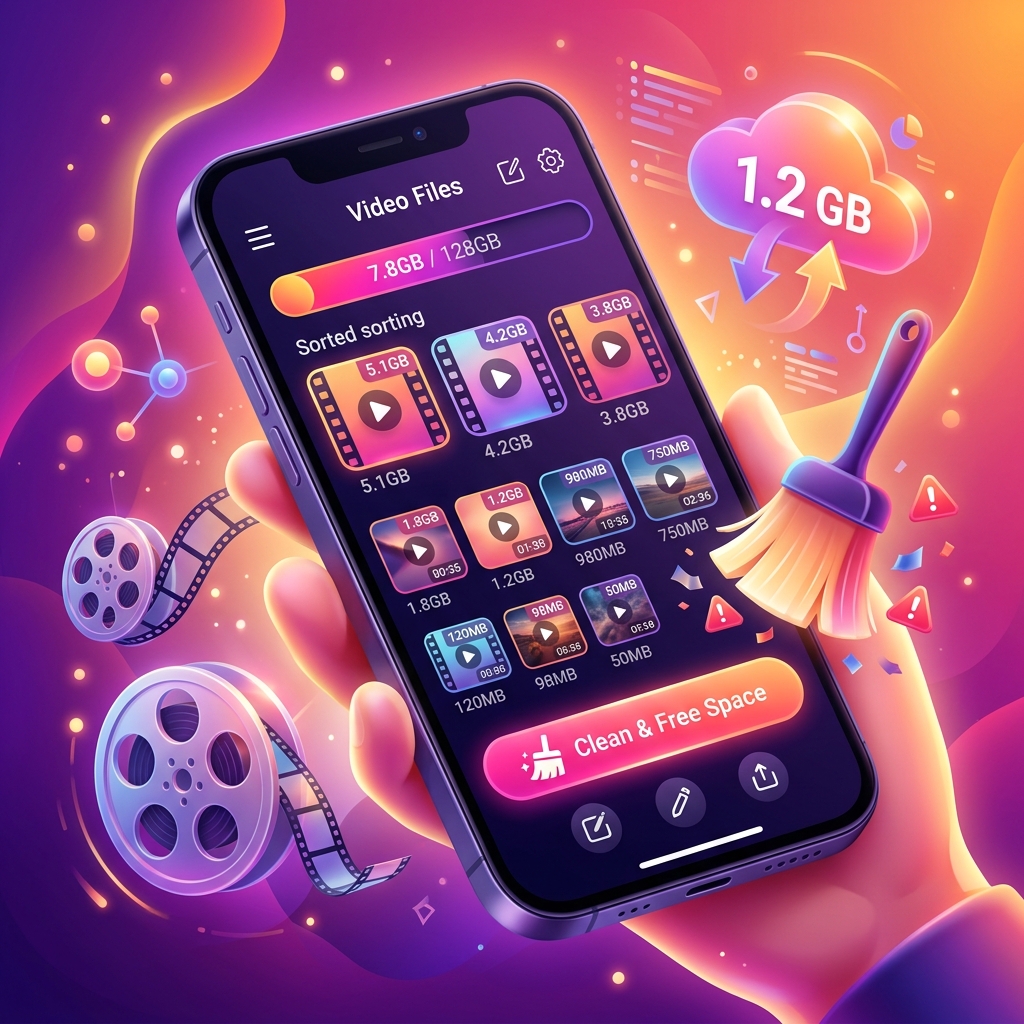
PhotoClean AI features a dedicated
large video cleaner category that sorts your video files by size, making it easy to spot the storage hogs.
Step-by-Step Cleanup Guide:
1.
Launch the Scan: Open the app and select the Video scanning feature.
2.
Review the Size List: The app lists videos starting from the largest, showing the exact space you will save.
3.
Play and Verify: You can play videos directly inside
PhotoClean AI to check if they are worth keeping.
4.
Delete or Compress: Select the unwanted files and remove them safely.
Reclaim Gigabytes in Seconds
Deleting just three or four unneeded large video files can free up more storage space than deleting 1,000 photos. Download
PhotoClean AI today, scan your video library, and instantly make room for new memories!

 Download App